
Getting Started with Compose Multiplatform: GitHub Resources and Sample Projects
Why "5k Stars" on a Compose Multiplatform GitHub Repo Means Nothing for Your Ship Date
You've already decided on Kotlin Multiplatform. The architecture meeting is over, the tech radar entry is bookmarked, and the next move is picking a starting point. Then you open the kotlin-multiplatform topic page on Compose Multiplatform GitHub searches and the actual problem appears: thousands of repositories, each promising a head start, none telling you which one won't have you debugging Gradle resolution errors at 2 AM in week three.

Table of Contents
- Why "5k Stars" on a Compose Multiplatform GitHub Repo Means Nothing for Your Ship Date
- The Four Compose Multiplatform Repo Archetypes
- The Compose Multiplatform GitHub Repos Worth 30 Minutes of Your Time
- The Six Features That Separate a Repo from a Shippable App
- Reading the Maintenance Signals on a Compose Multiplatform GitHub Repo
- The Two-Part Evaluation Checklist for Any Repo
- FAQ — Three Questions the Main Sections Don't Answer
Why "5k Stars" on a Compose Multiplatform GitHub Repo Means Nothing for Your Ship Date
The kotlin-multiplatform topic on GitHub lists thousands of public repositories — libraries, sample apps, half-finished boilerplates, KotlinConf demos, and a handful of genuinely useful templates buried in the noise. Sorting by stars feels like a reasonable filter. It isn't.
The peer-reviewed study On the Relationship Between GitHub Project Popularity and Quality analyzed thousands of repositories and concluded that stars correlate only weakly with software quality, code maintainability, or active development. The IEEE paper The Impact of Popularity on GitHub Project Quality reached the same conclusion through different methodology. Stars measure interest at a moment in time. They don't measure whether the maintainer still answers issues, whether the Kotlin version is current, or whether the architecture survives contact with a real product roadmap.
There's a second trap, and it's structural. The official Kotlin Multiplatform samples page states explicitly that samples are intended to demonstrate concepts and patterns — not as full production-ready app templates. Android's own code samples documentation adds the same warning: samples often prioritize clarity over robustness and frequently omit error handling, security boundaries, and lifecycle correctness. Forking a starred sample app is forking a teaching artifact and calling it infrastructure.
The repos with the most GitHub stars aren't optimized for your shipping timeline — they're optimized for teaching Compose Multiplatform concepts to people who aren't shipping yet.
Then there's the cost you don't see on a spreadsheet. Research summarized by the American Psychological Association on choice overload shows that more options increase decision paralysis, reduce satisfaction with the eventual choice, and delay action. Apply that to your weekend: if you spend three days comparing fifteen Compose Multiplatform GitHub repos, you've already burned the time savings any of them would deliver. The decision itself is the tax.

Four hidden costs hide inside the average free Compose Multiplatform GitHub boilerplate, and they compound:
- Outdated Kotlin and Compose Multiplatform versions. Kotlin 1.9.20 marked Kotlin Multiplatform as Stable per the KMP compatibility guide. Compose Multiplatform ships multiple minor releases per year. A repo pinned to Kotlin 1.8.x or Compose 1.4.x isn't a starting point — it's a migration project disguised as one.
- Optional or missing Firebase integration. Most community templates leave auth as "wire it up yourself," which means manually integrating GitLiveApp/firebase-kotlin-sdk across
androidMainandiosMain, plus all three providers (Apple, Google, Email) with their separate configuration dances. - Zero CI/CD setup. No
.github/workflows/directory means no per-commit verification, no signed builds, no automated test runs. Retrofitting CI after architectural decisions are baked in is consistently more painful than building it from the first commit. - Educational architecture that breaks under product pressure. Single-module shared code, no DI scoping, no feature modules, ViewModels that directly instantiate
HttpClient— patterns that work for a tutorial collapse the moment you need feature flags, A/B testing, or modular team ownership.
You need four things to navigate this: a mental model that classifies repos by what they actually deliver, a maintenance-health filter to spot abandoned projects fast, a feature checklist that maps to shippable apps, and a decision framework that turns "this looks promising" into a 15-minute go/no-go call. The rest of this article gives you all four.
The Four Compose Multiplatform Repo Archetypes (And What Each One Actually Ships)
Every Compose Multiplatform GitHub repo you'll evaluate falls into one of four archetypes. Conflating them is the single most common reason teams waste weeks before the first feature commit.
| Archetype | Setup Time to First Feature | Pre-Wired Features | Maintenance Burden | Best For |
|---|---|---|---|---|
| Minimalist Starter | 2–4 weeks | Gradle + single shared module | Medium (you own everything) | Teams with deep KMP expertise |
| Feature-Rich Template | 1–2 weeks | DI, networking, persistence, basic tests | Low–Medium | Solo devs validating an MVP |
| Production Boilerplate | Hours to days | Auth, IAP, push, CI/CD, design system, DB, networking | Low (maintained upstream) | Teams shipping beyond MVP |
| Educational Demo | N/A (not for shipping) | 1–2 patterns narrowly illustrated | None (fork and learn) | Learning Compose patterns |
Feature completeness inverts maintenance burden depending on who owns the updates. A feature-rich community template hands you a stack of dependencies — Kotlin, Compose Multiplatform, Ktor, SQLDelight, Koin, kotlinx-serialization — each on its own release cadence per the Kotlin releases page and the Compose Multiplatform release notes. When Kotlin 2.0 ships and the Compose compiler plugin moves, the template's maintainer might patch it next week, next quarter, or never. A maintained production boilerplate centralizes that update labor upstream — the price you pay is opinions about Koin vs. Hilt and Ktor vs. anything else.
Minimalism isn't safer either. Mirego's kmp-boilerplate README is honest about its target audience: the project assumes adopters already know Kotlin and KMP. That assumption transfers every architectural decision back to you. Module strategy, DI scoping, build conventions, the choice between SQLDelight and Room multiplatform — none of these go away because the README is short. They just move into your sprint plan.
Educational demos are the most dangerous archetype to ship from because they look complete. They run, they have screens, they call APIs. The Kotlin samples page is explicit that these projects exist to demonstrate concepts, not solve security, lifecycle, or scaling problems. Forking a tutorial app and calling it MVP infrastructure is how teams discover six months later that none of their screens were composed with state hoisting in mind.
The fourth archetype — production boilerplate with active upstream maintenance — is where KMP Kit positions itself, with a production-ready KMP boilerplate with these features pre-wired: authentication across Apple, Google, and Email; in-app purchases via RevenueCat; push notifications; CI/CD; a design system; local database; and networking. The differentiation isn't "more files." It's that the maintenance line item — the one that consumes 1–2 days per major dependency update across five libraries — sits with the boilerplate maintainer rather than with you. Whether that's worth a one-time payment depends entirely on whether your roadmap includes features the other three archetypes don't ship.
Choose the archetype before you choose the repo. The wrong archetype with the right stars still costs you a month.
The Compose Multiplatform GitHub Repos Worth 30 Minutes of Your Time
With the archetype model in hand, here are the specific Compose Multiplatform GitHub repos worth opening tonight. Each gets the same four data points: what it does well, what's missing, the assumption it makes about you, and which archetype it occupies.
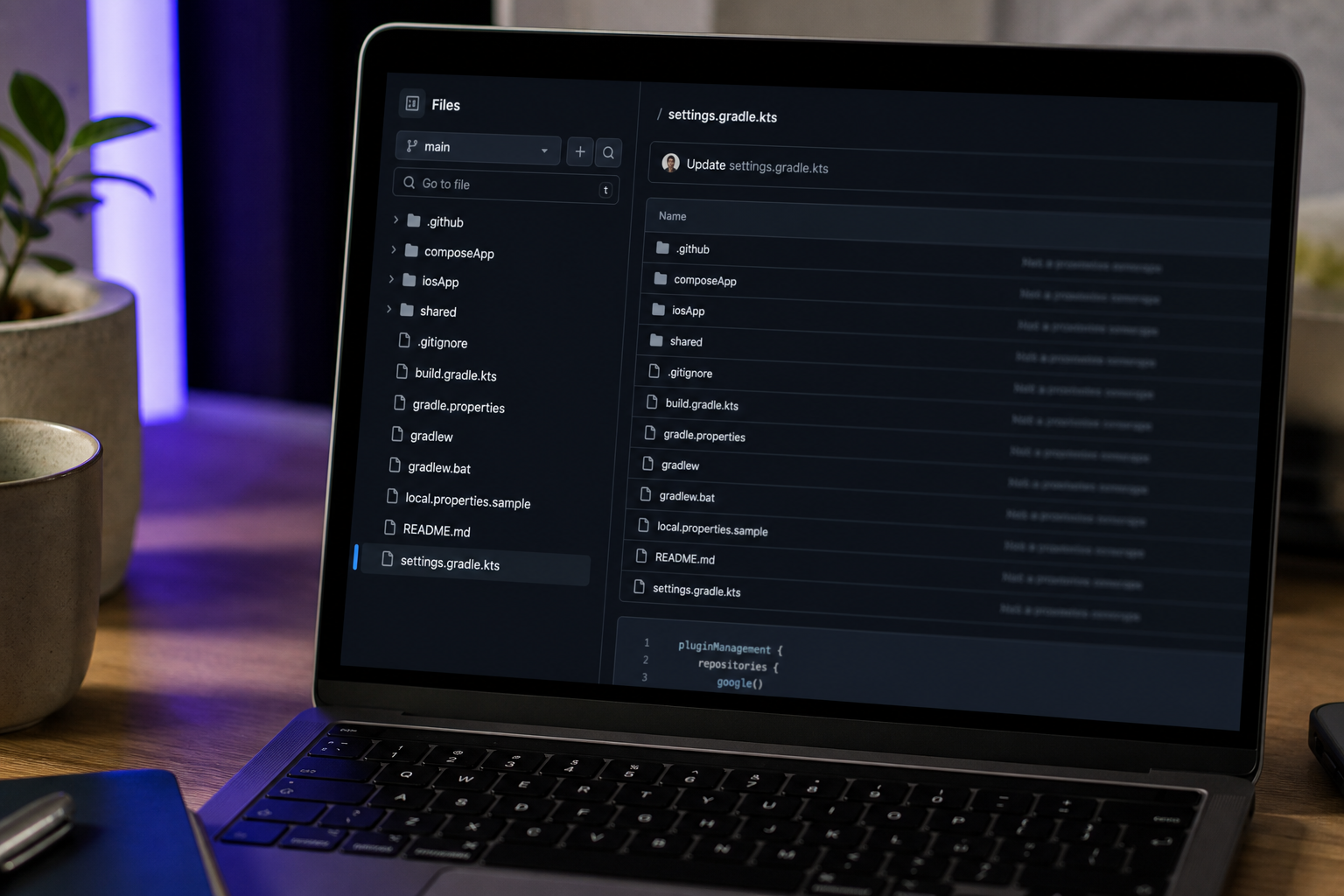
TouchLab's KaMPKit (github.com/touchlab/KaMPKit)
- Excels at: Architecture reference. Koin for DI, Ktor for HTTP, SQLDelight for persistence, sample ViewModels, clean shared-module design.
- Gaps: No CI/CD, Firebase is manual, no IAP, no push, no design system tokens.
- Assumption: You want to learn KMP architecture and adapt it. Touchlab's own KaMPKit page states it's a "starter project and learning tool."
- Archetype: Educational starter, bordering on feature-rich.
Mirego's kmp-boilerplate (github.com/mirego/kmp-boilerplate)
- Excels at: Gradle conventions, unit and UI test scaffolding, Koin DI, GitHub Actions CI, working Android and iOS app shells.
- Gaps: No auth providers, no IAP, no push, no design system, no opinionated data UI patterns.
- Assumption: Your team is already comfortable with Kotlin and KMP — the README says so directly.
- Archetype: Feature-rich template.
JetBrains Compose Multiplatform Examples (github.com/JetBrains/compose-multiplatform/tree/master/examples)
- Excels at: Compose UI patterns across desktop, web, and mobile — notepad, chat, imageviewer, widget gallery.
- Gaps: No auth, no networking abstraction, no persistence, no CI/CD. These are tutorials.
- Assumption: You're learning Compose Multiplatform, not shipping a product this quarter.
- Archetype: Educational demo.
John O'Reilly's PeopleInSpace (github.com/joreilly/PeopleInSpace)
- Excels at: Active maintenance, working examples of Ktor + SQLDelight + Compose Multiplatform across Android, Desktop, and Web. Genuinely useful reference architecture.
- Gaps: It's a sample app (an ISS people tracker), not a template. No auth flows, no design system, no IAP, no general-purpose feature scaffolding.
- Assumption: You'll borrow patterns by reading the code, not fork the repo wholesale.
- Archetype: Educational demo with best-in-class active maintenance.
None of these four pre-wire authentication, in-app purchases, or push notifications. If those three are on your roadmap — and for any consumer-facing product they are — you'll add them yourself, or start from a production boilerplate that includes auth, IAP, and push. That's not a knock on the four repos above. KaMPKit and PeopleInSpace are excellent at what they're designed to do. They're just not designed to do that.
The Six Features That Separate a Compose Multiplatform GitHub Repo from a Shippable App
This is the portable checklist. Apply it to any Compose Multiplatform GitHub repo, today and six months from now. Each item follows the same shape: feature → why you need it → the red flag if it's missing.
1. Authentication (Apple, Google, Email pre-wired)
Wiring three providers across iOS and Android typically takes 2–3 weeks per Thoughtworks engineering guidance for MVPs. Sign in with Apple is mandatory on iOS if you offer Google sign-in (App Store Review Guideline 4.8). Red flag: README treats auth as "TODO," or only one provider is wired.
2. Local Database (SQLDelight or Room Multiplatform)
SQLDelight requires platform-specific driver factories per the SQLDelight multiplatform documentation. Wiring this wrong cascades into nullable confusion, threading bugs, and painful migrations. Red flag: no .sq files in shared/, no driver factory in androidMain and iosMain.
3. Networking + Serialization (Ktor + kotlinx.serialization)
Ktor's multiplatform client requires explicit engine selection — OkHttp on Android, Darwin on iOS, CIO elsewhere — plus content negotiation setup, per the Ktor client multiplatform docs. Misconfigurations surface as late-stage iOS-only crashes. Red flag: HTTP calls done with platform-specific clients in androidMain and iosMain instead of from shared code.
4. CI/CD Pipeline (GitHub Actions or equivalent)
Martin Fowler's foundational article on continuous integration establishes per-commit automated builds as the baseline. Adding CI after the fact means retrofitting test infrastructure into code that was written without it. Red flag: no .github/workflows/ directory, or workflows that build only one platform.
5. Design System (Compose tokens, theme, component library)
Android's design systems and theming documentation explains that token-based theming prevents UI drift across screens. Without it, you'll discover in week six that you have four shades of "primary blue" and three button heights. Red flag: colors and typography defined inline in screens, no Theme.kt, no MaterialTheme overrides.
6. Push Notifications (Firebase Cloud Messaging + APNs)
FCM on Android and APNs on iOS each require certificates, capabilities, and platform-specific configuration per the Firebase Cloud Messaging docs and the Apple UserNotifications framework documentation. KMP does not abstract this for you. Red flag: no google-services.json, no APNs entitlement, no FirebaseMessagingService subclass in androidMain.
If authentication isn't already wired in your boilerplate, you've already lost two to three weeks before you write a single line of app logic.
The math is simple. Each missing feature is a multi-week project before you can ship feature one. If you'd rather start with a boilerplate with all six wired in, that's the trade you're making — pay once, skip the integration sprints.
Reading the Maintenance Signals on a Compose Multiplatform GitHub Repo
The wrong heuristic is "last commit date." A boilerplate can be feature-complete at version 2.0 and still production-viable with no commits for three months. A repo with daily commits can have 200 open issues and zero merges. GitHub's Octoverse trends report consistently observes that activity signals are more nuanced than recency alone — what matters is the relationship between activity, resolution, and currency.
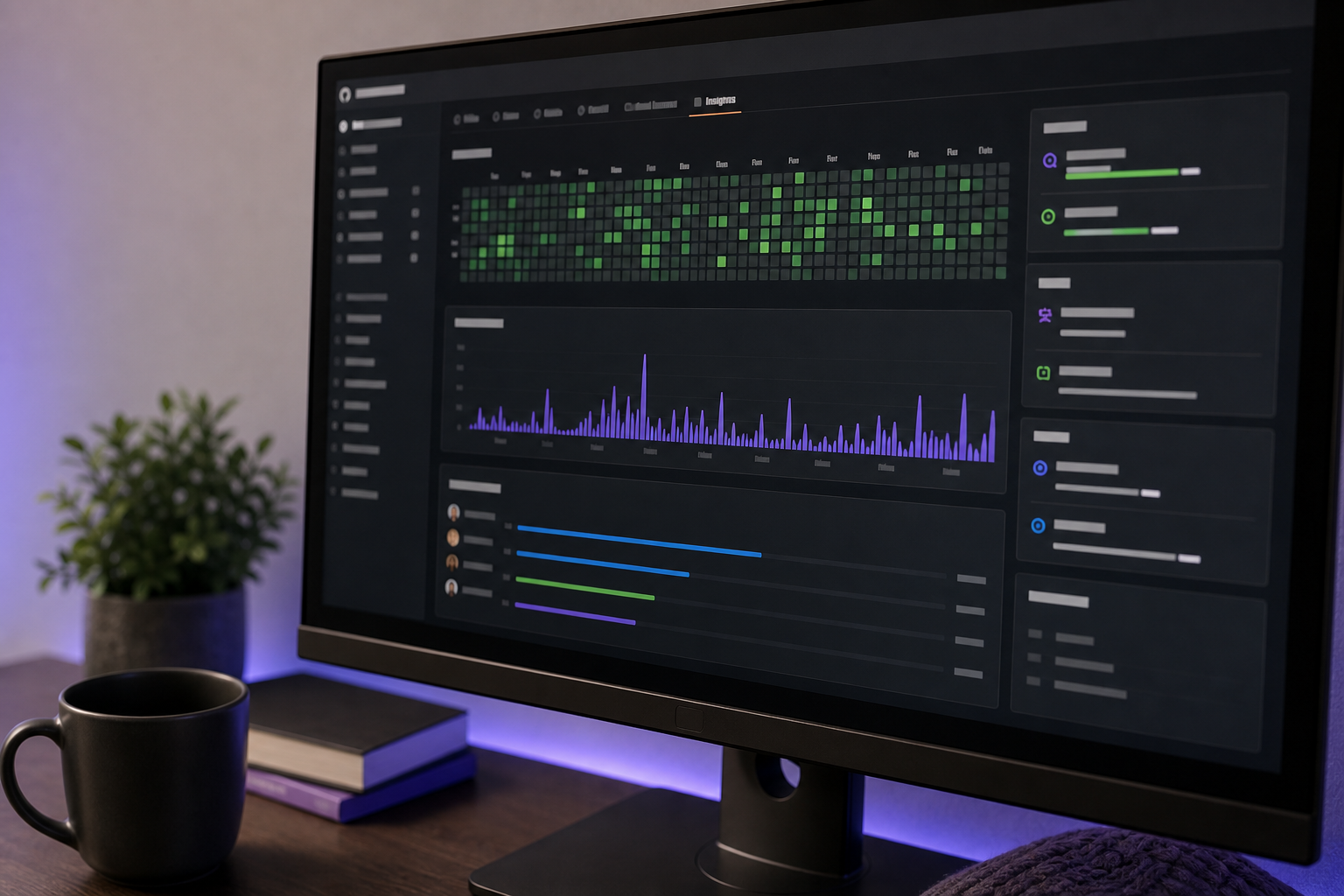
Walk through these audit checks in order, every time.
Kotlin and Compose Multiplatform version currency. Open gradle/libs.versions.toml or the root build.gradle.kts. Cross-reference against Kotlin releases and Compose Multiplatform releases. If the repo targets Kotlin <1.9.20 — the version that made KMP officially Stable per the Kotlin Multiplatform compatibility guide — assume major rework before the first feature ships.
Gradle wrapper version. Check gradle/wrapper/gradle-wrapper.properties. A Gradle version below 8.x is a strong signal the repo predates KMP stability and hasn't been touched since.
Open issues vs. merged PRs over the last 90 days. A healthy repo merges more than it accumulates. If issues outnumber merged PRs 5:1 across the recent window, the maintainer has checked out. The ACM paper How Healthy Are Your Software Projects? treats issue-resolution rate as a primary health metric for open-source projects, and the same logic applies to boilerplates.
Author responsiveness. Open the Discussions tab, look at PR review timestamps, check for deprecation notices in the README. Karl Fogel's Producing Open Source Software describes what real maintenance looks like — triage cadence, release notes, contributor onboarding — and the absence of those signals is the absence of maintenance.
Documentation freshness. README updated within the last six months? CHANGELOG present? CONTRIBUTING.md? GitHub's own open source guides on starting a project name these as the baseline health signals reviewers look for.
The community-versus-commercial trade-off matters here, and it's rarely stated honestly. Community-maintained repos — KaMPKit, kmp-boilerplate, PeopleInSpace — are excellent for learning. The maintainer's incentive is the project itself, plus a portfolio piece, plus consulting funnel. Commercial boilerplates carry a different incentive: paying customers create direct accountability for shipping updates. The question isn't "is this free?" — it's "who pays for the updates?" A maintained boilerplate with lifetime updates makes that answer explicit. A starred GitHub repo with a stalled issue tracker also answers the question — just less comfortably.
A repo with five thousand stars and the last commit from eighteen months ago isn't finished — it's abandoned. The one with two hundred stars and a merged PR yesterday is the one shipping features.
Red flags that should kill a repo from your shortlist in under five minutes:
- Issues open for more than six months with no maintainer response
- Gradle DSL using deprecated
kaptinstead of KSP - No GitHub Actions workflows in
.github/workflows/ - No CONTRIBUTING.md, no CODE_OF_CONDUCT.md, no LICENSE
- Last release tag older than 12 months with no commits since
Any two of these in combination means you're forking a dead project. The savings on day one become a permanent maintenance fork on day ninety.
The Two-Part Evaluation Checklist for Any Compose Multiplatform GitHub Repo
Copy this into a Notion page or a markdown file in your dotfiles, run it against every repo you consider, and trust the output.

Part A: 60-Second Pre-Selection Filter
| Check | Pass Criterion |
|---|---|
| Last commit | Within 6 months |
| Kotlin version | ≥1.9.20 (KMP stable threshold) |
| Compose Multiplatform version | Within one minor release of current stable |
| Open issues : merged PRs (90 days) | Ratio under 2:1 |
| Features pre-wired | At least 3 of the 6 from the previous section |
| README clarity | Architecture explained in under 5 minutes of reading |
Fail any two checks, move to the next repo. No exceptions, no "but the stars look good."
Part B: 15-Minute Deep Dive (Only If Part A Passes)
| Check | What to Look For |
|---|---|
| Architecture philosophy | DI choice and module strategy stated in README |
| Dependency versions | Pinned in libs.versions.toml, not floating |
| CI/CD pipeline | .github/workflows/ builds both iOS and Android |
| Release notes | CHANGELOG.md or GitHub Releases using semver |
| Local compile | ./gradlew build succeeds with no manual edits |
| Sample feature prototype | You can implement one feature in ≤2 hours |
Decision Tree
┌─ Fails Part A? ──────────────→ Move to next repo.
│
├─ Passes Part A, fails Part B? → Educational only. Use for patterns,
│                                  not as a base.
│
└─ Passes both? ──────────────→ Prototype one feature for 2 hours.
                                 ├─ Architectural friction? → Next repo.
                                 └─ Clean implementation? → Commit. Ship.
If no GitHub repo passes both parts, that's a signal, not a failure. The production boilerplate archetype exists precisely because the educational and feature-rich tiers leave gaps in authentication, in-app purchases, push notifications, and CI/CD that solo developers and small teams can't afford to fill themselves. The pricing question becomes arithmetic: KMP Kit ships three tiers — Discover (free), MVP and Scale tiers at $169 and $349 respectively — on a one-time payment with lifetime access, with 70+ developers shipping production apps from it. Against three weeks of auth integration alone, the math is roughly two hours of revenue for a senior contractor.
FAQ — Three Questions the Main Sections Don't Answer
Can I start with a minimalist Compose Multiplatform GitHub repo and add features later, or should I begin with a feature-rich boilerplate?
Starting minimal costs 2–4 weeks of upfront architectural decisions you won't recognize as decisions until they break — DI scoping, module boundaries, build conventions, gradle plugin choices, how you handle resources across platforms. Starting feature-rich costs flexibility later. You inherit the maintainer's opinions on Koin versus Hilt, Ktor versus alternative HTTP clients, SQLDelight versus Room Multiplatform. The trade-off frames cleanly:
- Solo founders validating an MVP optimize for validation speed. Feature-rich or production boilerplate.
- Teams with strong architectural opinions and existing KMP expertise optimize for fit. Minimalist starter.
Thoughtworks's MVP engineering article is direct about the time cost of greenfield infrastructure for early-stage products: weeks of effort go into auth, persistence, and CI before product features begin. If your competitive advantage is the product itself, not the infrastructure, the answer skews toward feature-rich every time.
What if the best Compose Multiplatform GitHub repo for my needs has a tightly-coupled dependency — Firebase, for example — that I don't want?
Look for boilerplates that use dependency injection (Koin or Hilt) and route Firebase, RevenueCat, and similar SDKs behind interfaces rather than calling them directly from ViewModels. If the repo calls FirebaseAuth.getInstance() inline inside a ViewModel, the fork cost is high — every call site is a manual refactor when you swap providers. GitLiveApp/firebase-kotlin-sdk is the de facto multiplatform Firebase wrapper, and any boilerplate worth forking should either depend on it or abstract behind an AuthRepository-style interface so swapping in Supabase or a custom backend later is a single binding change, not a refactor across twelve files.
How often will I need to update the boilerplate after I've forked it?
Quarterly minimum. The Kotlin releases page and Compose Multiplatform release history both ship multiple minor versions per year, and the broader stack — Ktor, SQLDelight, Koin, kotlinx-serialization — moves on overlapping cadences. Budget roughly 1–2 days per major dependency update for breaking changes, more if the Kotlin Compose compiler plugin version skews.
If the original repo is actively maintained, you can cherry-pick fixes and migration commits as they land. If not, you're maintaining a permanent fork — every Kotlin major version costs you a personal weekend, every iOS SDK release costs another, and the Kotlin Multiplatform compatibility and updating guide gives you the steps but not the time back. This is precisely the cost a maintained production boilerplate amortizes for you — the maintainer absorbs the update labor across their entire customer base, you absorb your share of it through one-time payment rather than through your weekends.